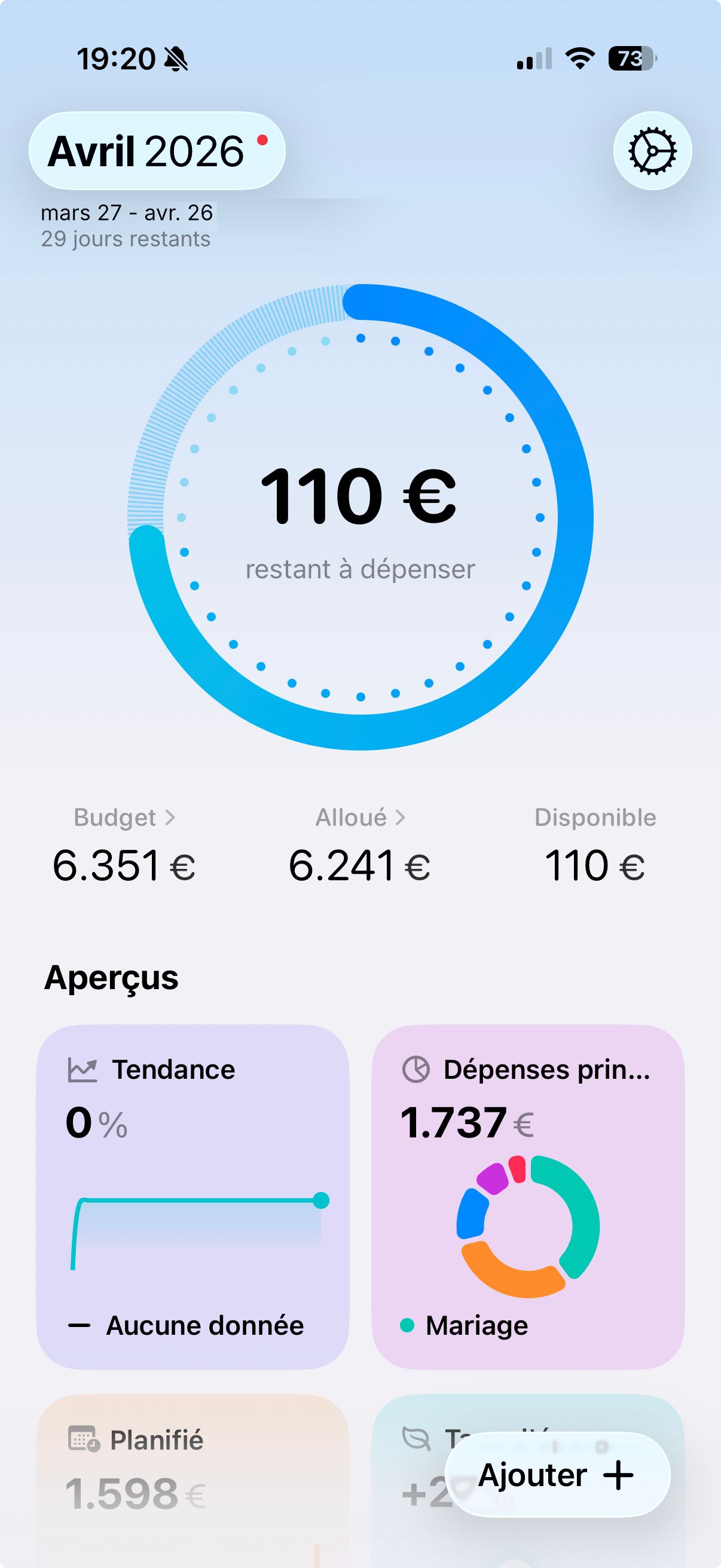
Keep the month name (e.g., "April 2026") in the header even with a custom period
Currently, when setting a custom budget cycle (for example, from April 27 to May 26), the top-left header replaces the month name with the full date range ("April 27 - May 26").
For better clarity and visual reference, would it be possible to keep the main calendar month displayed as the title (e.g., "April 2026"), and show the custom date range just below it or as a subtitle?
This would allow users to keep an intuitive time reference (the calendar month) while still benefiting from the flexibility of offset cycles.
Log in to comment and vote
Comments1
Lazare Kolebka
Mar 29
I like your idea a lot! I agree with it. Merci :)